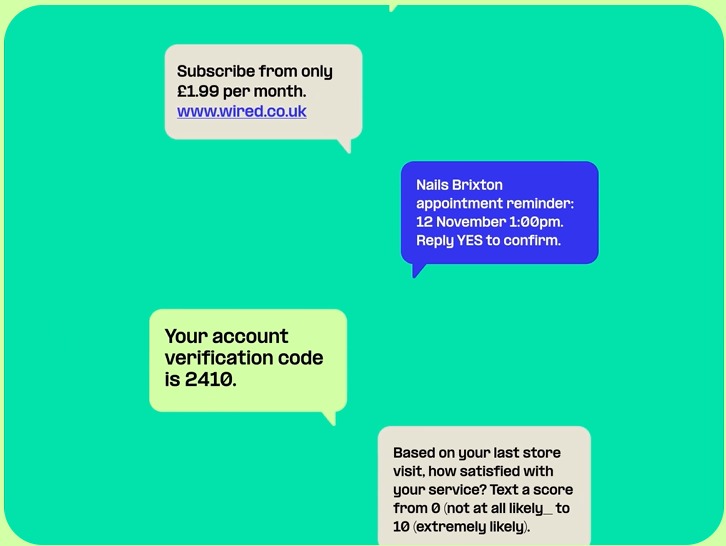
Reach customers with SMS campaigns, automated alerts, and two-way messaging workflows. Add AI chatbots to automate repetitive tasks, reduce operational workload, and support faster customer conversations.
Supported number types include long code, toll-free, alphanumeric sender IDs, and short code numbers, depending on availability and messaging requirements.
FEATURES
SMS API with automated optimization and reporting
Whether it’s clear delivery reporting or automated message handling, Quantrova Messaging API is built to help teams send, monitor, and manage SMS workflows with confidence.
Message queuing
Automated message queuing helps manage sending volume based on your account settings, helping maintain reliable delivery and smoother message flow.
Automatic opt-outs
If a customer replies with an opt-out keyword, Quantrova can help manage unsubscribe handling for future sends.
Detailed debugging
Debugging tools help you review message activity, delivery status, and errors with clearer visibility.
Message concatenation
If an SMS is too long, the API can help split it into multiple message parts so you can send longer content more easily.
Use existing numbers to send SMS
Use an existing number for SMS workflows where supported. Quantrova Hosted SMS helps teams send and receive SMS or MMS while keeping familiar customer-facing numbers.
Intelligent message encoding
Support flexible message encoding for different character sets and languages. Quantrova helps optimize encoding where possible to improve message efficiency.
Benefits
#1
Developer-friendly, scalable SMS API
Developer-friendly, scalable SMS API
Quantrova gives developers flexible SMS APIs, clear delivery insights, and tools designed to help teams build reliable messaging workflows as they scale.
Reduce costs without reducing results
Use flexible pricing and message optimization tools to manage SMS costs while maintaining reliable delivery performance.
Connect to the Quantrova SMS API with your credentials, then test sending and receiving messages. Support is available to help your team resolve setup or delivery issues.
Scale messaging for notifications, marketing, customer support, sales outreach, and other business communication workflows.
RESOURCES
Start building
Build messaging workflows with clear developer resources.
Messaging API documentation
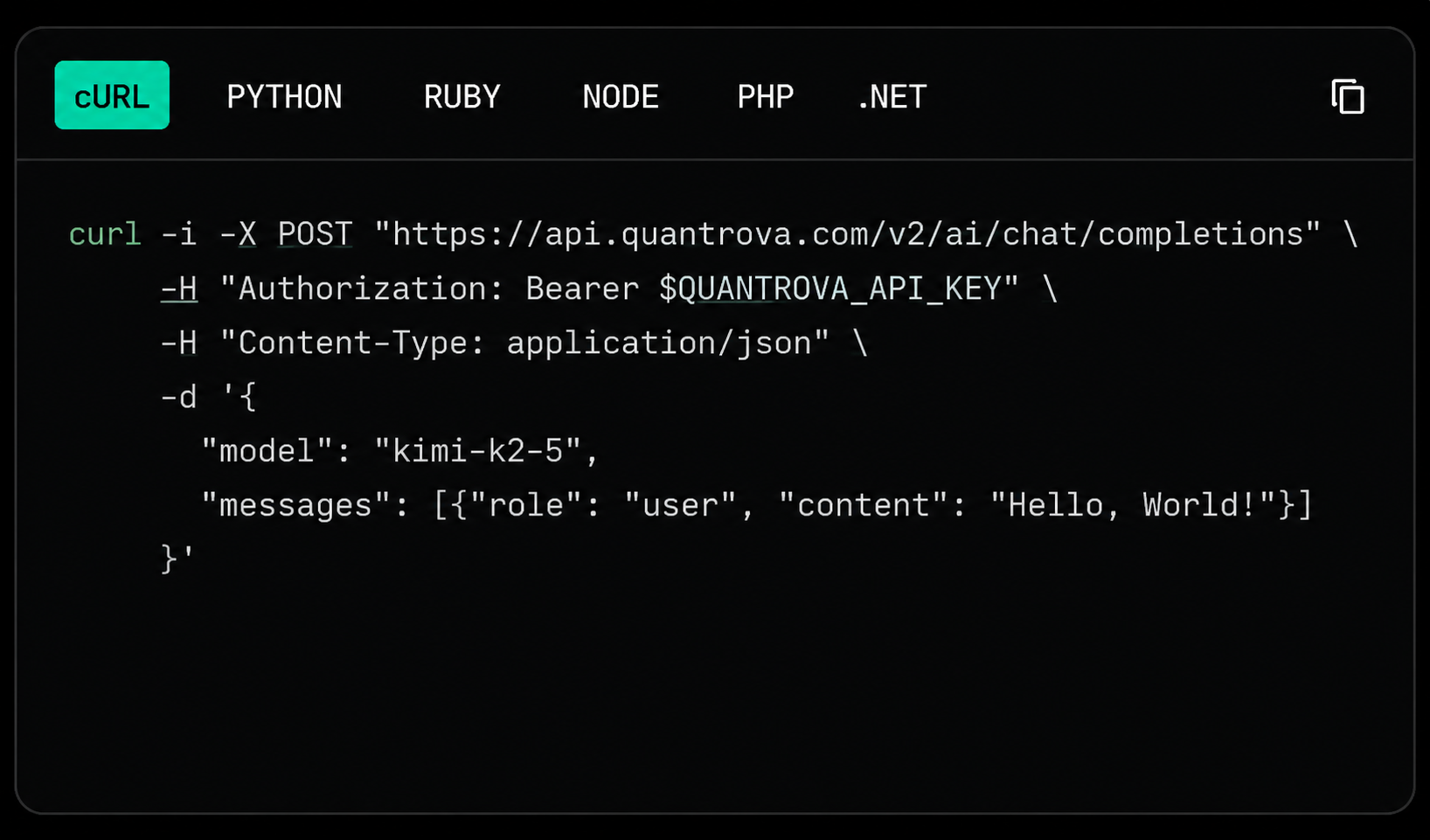
Quantrova Messaging API supports sending and receiving SMS and MMS. Explore the developer docs to learn how to set up messaging workflows, manage requests, and build with the API.
Quantrova Messaging API supports sending and receiving SMS and MMS. Explore the developer docs to learn how to set up messaging workflows, manage requests, and build with the API.
To get started, create a Quantrova account, choose an SMS-capable number where supported, set up a messaging profile, and start sending text messages through the Quantrova Messaging API.
An SMS API connects your application with messaging infrastructure so commands, delivery updates, and responses can move between your system and the messaging platform. This allows your application to send and receive SMS messages through API-based workflows.
Quantrova offers clear, usage-based SMS pricing. Costs may vary depending on destination, number type, message type, and usage volume. Visit the pricing page for current rates and available options.
With Quantrova Messaging APIs, you can send and receive SMS or MMS messages from your applications, manage messaging workflows, and support required registration processes where applicable.
Learn about the powerful features of the Quantrova SMS API
Learn what an SMS API is, how it connects applications with messaging workflows, and how businesses use it for alerts, customer updates, and automation.
To provide the best experiences, we use technologies like cookies to store and/or access device information. Consenting to these technologies will allow us to process data such as browsing behavior or unique IDs on this site. Not consenting or withdrawing consent, may adversely affect certain features and functions.
Functional
Always active
The technical storage or access is strictly necessary for the legitimate purpose of enabling the use of a specific service explicitly requested by the subscriber or user, or for the sole purpose of carrying out the transmission of a communication over an electronic communications network.
Preferences
The technical storage or access is necessary for the legitimate purpose of storing preferences that are not requested by the subscriber or user.
Statistics
The technical storage or access that is used exclusively for statistical purposes.The technical storage or access that is used exclusively for anonymous statistical purposes. Without a subpoena, voluntary compliance on the part of your Internet Service Provider, or additional records from a third party, information stored or retrieved for this purpose alone cannot usually be used to identify you.
Marketing
The technical storage or access is required to create user profiles to send advertising, or to track the user on a website or across several websites for similar marketing purposes.